Capture
Build adaptive forms with fields, repeating sections, linked records, calculated values, and searchable grids.

 MicroSaaS Platform
Turn paper forms, spreadsheets, PDFs, approvals, and daily follow-up into one configurable operating layer. MicroSaaS lets business users capture structured data, package documents, route decisions, assign actions, and analyze outcomes without waiting for custom development.
MicroSaaS is built for the operational work that usually gets trapped in email, shared drives, spreadsheets, and disconnected approval chains. Each form becomes a living business object: it can collect data, hold files, trigger workflow steps, generate branded PDFs, create tasks, and feed dashboards.
Because the platform is domain-agnostic, the same foundation can support invoices, purchase orders, inspections, contract reviews, onboarding, corrective actions, compliance reports, and many other business processes.
Build adaptive forms with fields, repeating sections, linked records, calculated values, and searchable grids.
Attach files, manage 2 GB uploads, package PDFs, share documents, and preserve revision history.
Define on-create, on-update, and on-delete rules for notifications, copies, approvals, actions, and comments.
Keep comments, tasks, due dates, SLA reminders, approvals, and signatures tied to the record they belong to.
Use AI extraction, dashboards, exports, APIs, and webhooks to turn process data into decisions.

Convert paper forms and spreadsheets into digital workflows in minutes, not months.

Non-developers build and update forms, freeing IT for higher-value work.

Structured entry with tailored fields eliminates errors and ensures consistent data.

Iterate forms quickly to meet evolving compliance or operational needs.

AI automatically extracts critical data from documents with no retyping.

Design professional PDFs and print layouts directly from captured data.

Compile multiple PDFs into single organized packages for review and sharing.

SLA alerts and real-time dashboards hold teams accountable and on schedule.

Automated routing, digital stamps, and audit trails for any approval process.

Automated notifications and templates keep everyone informed without manual effort.

Turn captured data into live dashboards and actionable business intelligence.

Generate and export reports to meet internal, client, or regulatory requirements.
Digitizing your business processes is simple. Follow these steps to build, automate, and gain insights from your workflows.
 Step 1
Design forms that match your process in minutes. Add text, number, date, Boolean, lookup, linked-record, calculated, and multi-select fields; create repeating line items or sub-forms; configure searchable grids; and map data into branded PDF layouts.
Step 2Set up conditional routing, approvals, digital signatures, status updates, notifications, document packaging, and built-in audit trails. Trigger steps when records are created, updated, or deleted.
 Step 3
Turn entries and comments into assignable actions with owners, priorities, status, due dates, reminders, attachments, and contextual discussion. Review work through summary, grouped, board, and calendar views.
Step 4Use AI extraction to populate forms from PDFs and scans, monitor KPIs in live dashboards, export CSV or Excel reports, and connect ERP, CRM, accounting, or analytics tools through REST/GraphQL APIs and webhooks.
Smarter forms. Seamless collaboration. Data that moves your business forward.
MicroSaaS gives teams a reusable foundation for common business processes and specialized internal tools.
Capture header details, repeating line items, approvals, supporting files, and generated PDF records in one workflow.
Create structured checklists, attach photos or documents, assign corrective actions, and maintain a defensible audit history.
Collect contract metadata, merge related PDFs, route review steps, and share time-limited document links.
Turn issues into accountable actions with owners, due dates, priorities, board views, calendar scheduling, and SLA reminders.
Replace intake emails with guided forms, approvals, notifications, file attachments, and status tracking.
Model industry-specific processes with adaptive forms, dashboards, automated workflows, and secure integrations.
Drag-and-drop designer - no code requiredHierarchical and repeating structures for line items and sub-formsField types for text, numbers, dates, Booleans, lookups, linked forms, calculations, and summariesVersioned form revisions with full audit trailSearchable, sortable grid and table data viewsBranded PDF print layout designer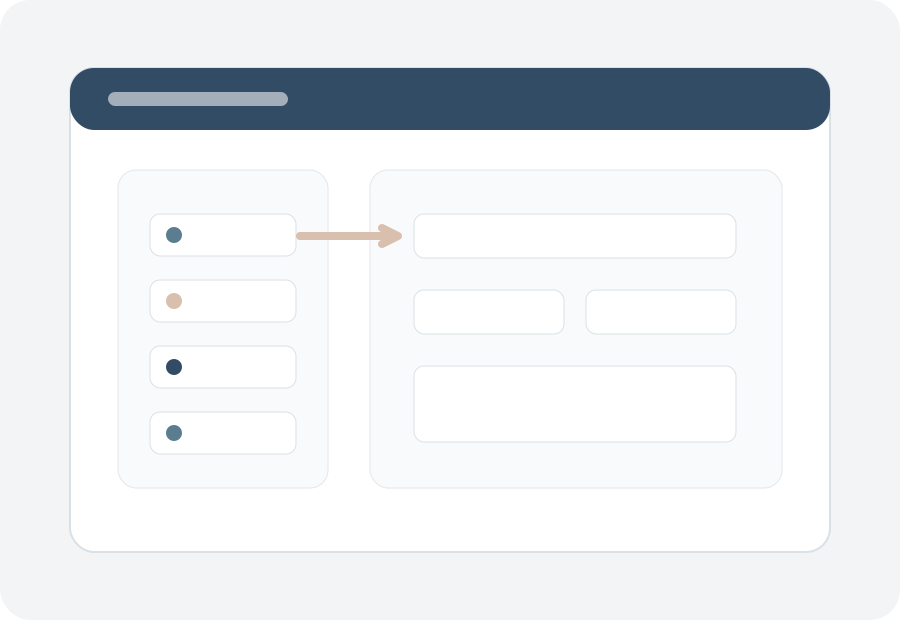
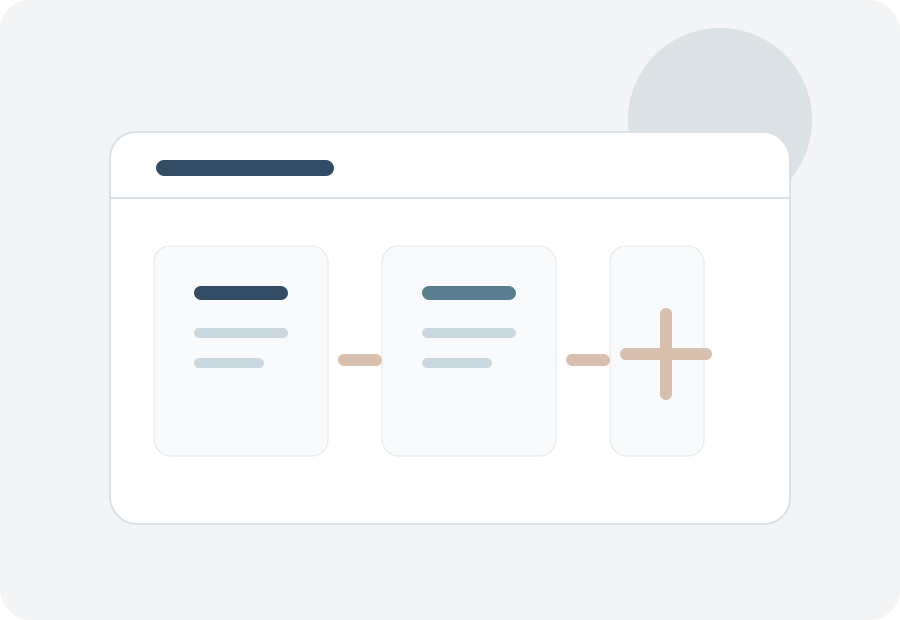 CommentTrack threaded discussions tied directly to recordsAction management with task boards, calendar view, and SLA monitoringSummary, grouped, board, and calendar views for prioritizing workMulti-level conditional approval workflowsLegally binding e-signatures and digital stampsFull audit trail with timestamps and signer IDsCustom notification templates with tracked delivery
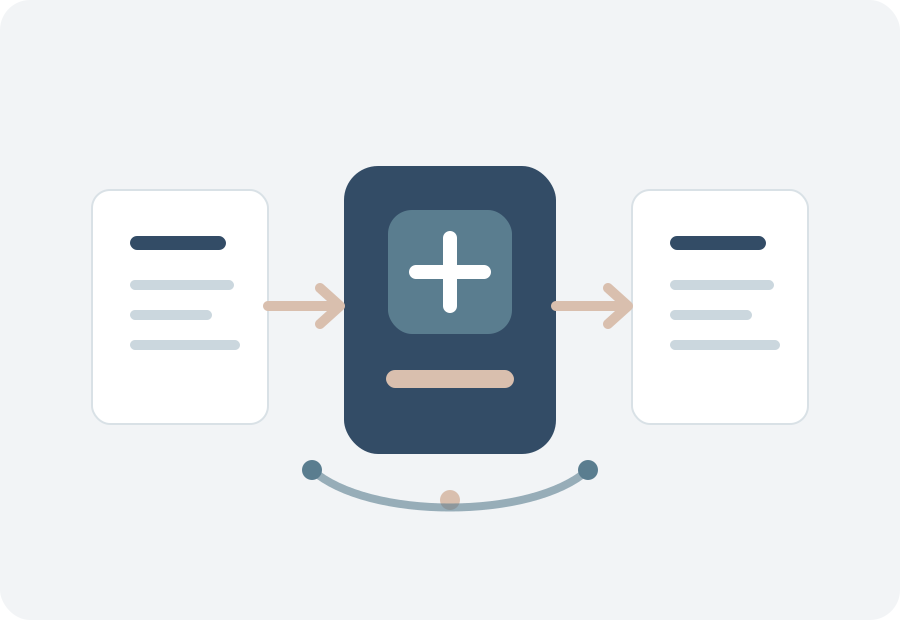 Live dashboards powered by AWS QuickSightMonitor KPIs, workflow status, team performance, and complianceExportable custom reports in CSV and ExcelTrack submission volumes, bottlenecks, due dates, and action progressREST/GraphQL API and webhooks for ERP/CRM integration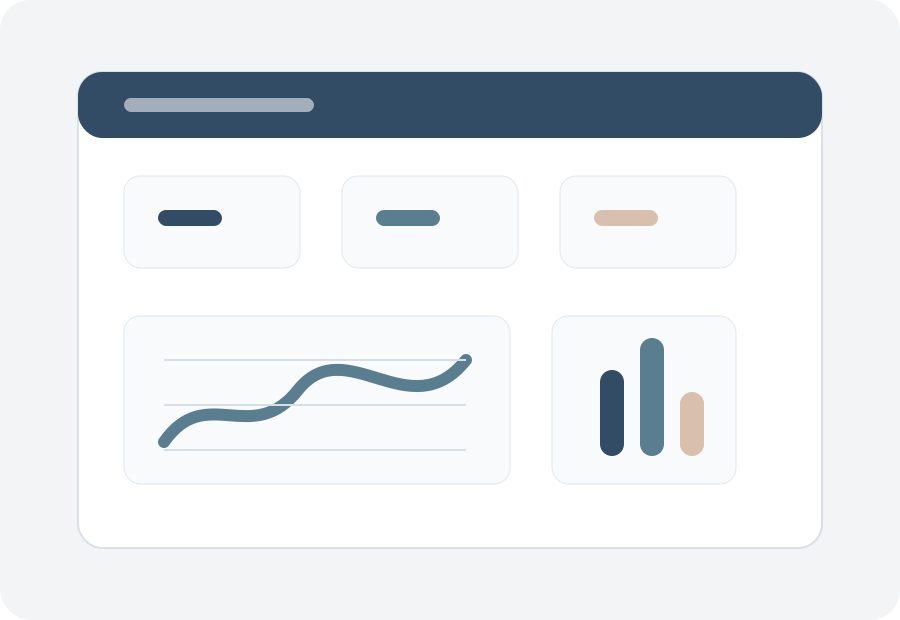
Absolutely. The platform uses adaptive forms, so you can create forms for any data type without writing code - from invoices and inspections to onboarding checklists or compliance reports.
Any data-capture form, from simple contact forms to complex applications like purchase orders, expense reports, or time sheets. The designer supports text, numbers, dates, grouped fields, multi-selects, and repeating line-item grids.
Simply publish a new form revision. Existing records stay linked to the original version for historical integrity, while new submissions use the updated design.
Upload a PDF, scan, DOCX, or image file. The AI reads, categorizes, and extracts key data points like names, dates, amounts, line items, clauses, and notes, then populates your form fields automatically. Accuracy exceeds 90% for core metadata, with continuous improvement from feedback.
Definitely. MicroSaaS includes task assignment, status tracking, comment threads, priorities, due dates, calendar views, board views, and SLA reminders tied directly to the form or workflow.
Create approval workflows for any form type, with as many steps and conditions as needed. Route submissions based on rules, track approvals with timestamps, and collect legally binding e-signatures.
Yes. Data can be stored in Canadian-based AWS infrastructure, with role-based access, field-level permissions, isolated tenant data, TLS encryption in transit, AES-256 at rest, audit logs, and reporting support for PIPEDA and Quebec Bill 64 needs.
You can design, test, and deploy your first form and approval workflow in under an hour. Most teams publish a production-ready form within one business day.
Yes. The platform exposes secure REST/GraphQL APIs with webhooks for bidirectional data flow. Common integrations include Microsoft Dynamics, Salesforce, SAP, and QuickBooks.
Yes. Business users can configure fields, publish form revisions, define workflow steps, adjust PDF layouts, and manage notifications without code. Role-based permissions keep advanced controls in the right hands.